
Setting up grading bands so result cards calculate themselves
Key Takeaways
- Manual result card generation consumes weeks of teacher time and is highly susceptible to human calculation errors.
- Administrators can configure BISE-compliant grading bands (e.g., A+, A, B) and subject weightings globally at the start of the academic year.
- Once configured, teachers only input raw exam scores; the software instantly calculates percentages, assigns grades, and generates printable PDFs.
A walkthrough of configuring subject weightings and grade bands once, so every result card afterward generates without a teacher touching a calculator.
Term-end result card season is traditionally a nightmare for school staff. Teachers spend weeks staying up late with calculators, manually tallying subject scores, calculating percentages, and referencing grading charts to assign letter grades. By the time the result cards are printed, human errors are almost guaranteed, leading to awkward corrections during parent-teacher meetings.
The "Configure Once" Strategy
The solution is decoupling the grading logic from the data entry. At the beginning of the academic year, the school administration should configure the global grading policy inside AIKDEMY. This involves defining maximum marks, passing thresholds, and exact grade scales (e.g., setting 90-100% as an A+). Whether you follow strict BISE standards or use a custom academy weighting, you only have to build this logic once.
Simplifying the Teacher Workflow
Once the bands are set, the teacher's workflow changes entirely. Instead of acting as accountants, teachers simply open their digital portal and type the raw exam numbers into a grid. They never touch a calculator. The system instantly processes the raw data through the predefined grading bands.
One-Click PDF Generation
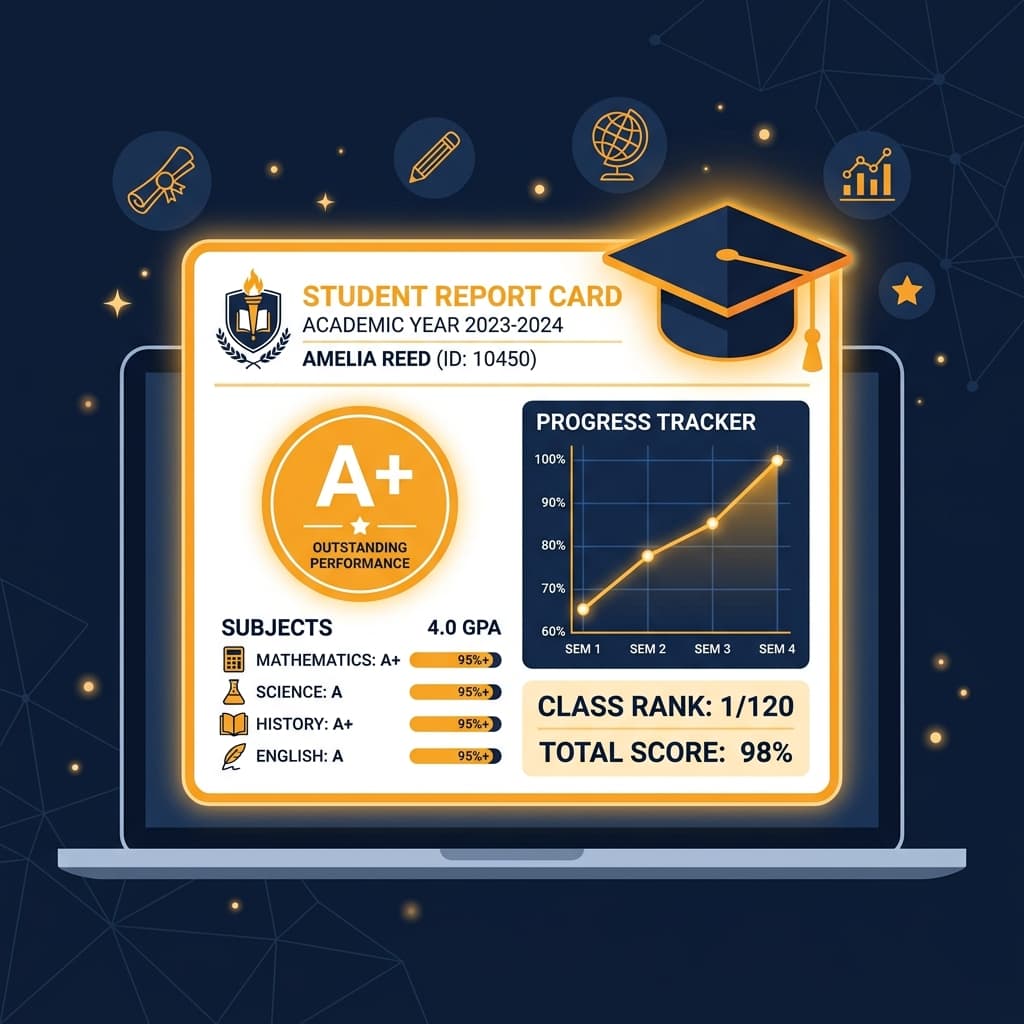
When all raw scores are submitted, the principal can generate hundreds of beautifully formatted, print-ready result cards with a single click. The software automatically structures the layout, applies the correct grades, and flags any failing subjects.
Automating this process doesn't just save dozens of administrative hours; it protects your teachers from burnout and guarantees that parents receive perfectly accurate, professional academic reports on time.
Frequently Asked Questions
- How to automate school result card generation in Pakistan?
- By using a school management system like AIKDEMY, administrators set predefined grading bands. Teachers simply enter raw exam scores, and the system instantly generates BISE-compliant result cards without any manual math.
- Can school software handle custom grading scales or BISE standards?
- Yes. Modern platforms allow schools to customize their grading bands to match specific regional board requirements (such as BISE Lahore or BISE Karachi) or their own internal academy standards.
- How much time does automated grading save teachers?
- Automated grading systems save teachers an average of 40 to 50 hours per term by completely eliminating the manual calculation, double-checking, and formatting of individual student report cards.