
Moving a school off paper registers, without a chaotic term
Key Takeaways
- Implement a 30-day parallel run: maintain paper registers while using the digital system to build staff confidence.
- Migrate student B-Form and fee data instantly via bulk CSV imports to eliminate manual entry bottlenecks.
- Execute a phased rollout: train the front-office admin team first, delaying teacher and parent portal access until phase two.
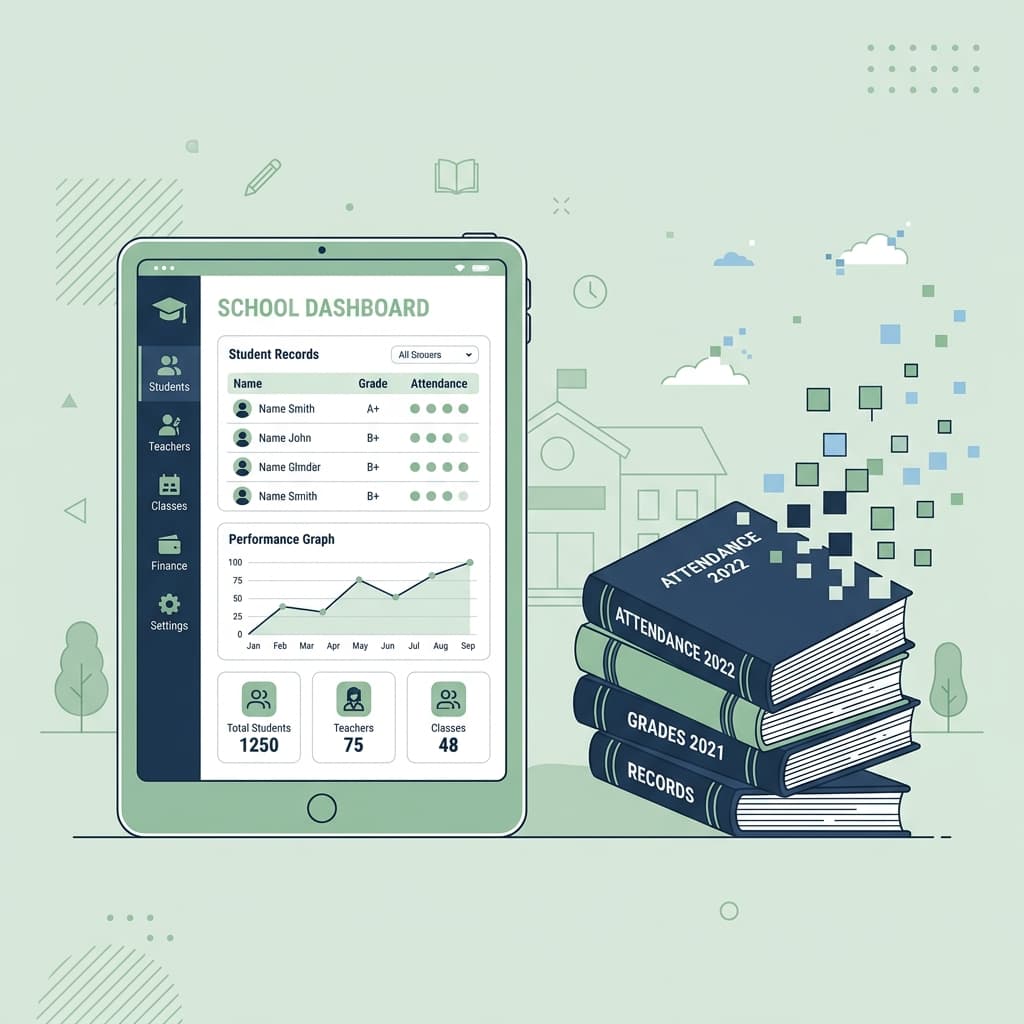
A practical timeline for switching a single-campus school from paper attendance and fee books to a digital system, without disrupting the term already in progress.
The thought of digitizing school records mid-term often brings visions of lost fee challans and missing B-Form data. However, waiting for the academic year to end means enduring months of continued revenue leakage and manual administrative overhead. You can transition smoothly by following a strict, phased rollout.
Phase 1: The 30-Day Parallel Run
Do not throw away the paper registers on day one. For the first month, run AIKDEMY alongside your existing physical books. Have your admin staff input daily attendance and fee collections into the software while keeping the paper trail active. This builds muscle memory for the staff without the pressure of a hard cutoff.
Phase 2: Bulk CSV Migration
Manually typing hundreds of student names, parent CNICs, and B-Forms is a guaranteed way to stall a rollout. Export your existing data into AIKDEMY's standardized CSV templates. A bulk import populates your entire campus database in seconds, instantly establishing the foundation for accurate fee generation and BISE-compliant reporting.
Phase 3: Restrict Initial Access
A common mistake is launching the parent portal and teacher apps simultaneously. Instead, lock down the system to just the principal and front-office staff. Once the core team is confidently issuing automated 1Bill fee challans and managing defaulter lists natively, introduce teachers to the digital attendance module. Parents should be the very last group onboarded.
By pacing the transition, your campus eliminates the chaos of digitization while immediately securing the financial and operational benefits of a modern infrastructure.
Frequently Asked Questions
- How do we switch to a digital school management system mid-term?
- Run the new software in parallel with your paper registers for 30 days. Only after your admin team is comfortable processing daily attendance and fee challans digitally do you archive the physical books.
- How long does it take to migrate student records to a digital system?
- By utilizing CSV imports, migrating B-Form details, past academic histories, and current fee structures takes less than a day, avoiding weeks of manual data entry.
- Should teachers and parents get access to the new system immediately?
- No. Successful transitions start by giving access only to the core administrative staff. Teachers and parents should be onboarded in subsequent phases once internal workflows are stabilized.